Every conversation captured. Every follow-up handled.
Jurnie captures notes in meetings and in-person conversations, then automatically suggests updates, tasks, and follow-ups that should happen next — ready to approve with one click.
- Works with any meeting platform
- No bots required
- Updates your systems automatically
Works seamlessly with all meeting platforms

How Jurnie works
From conversation to action in three steps.
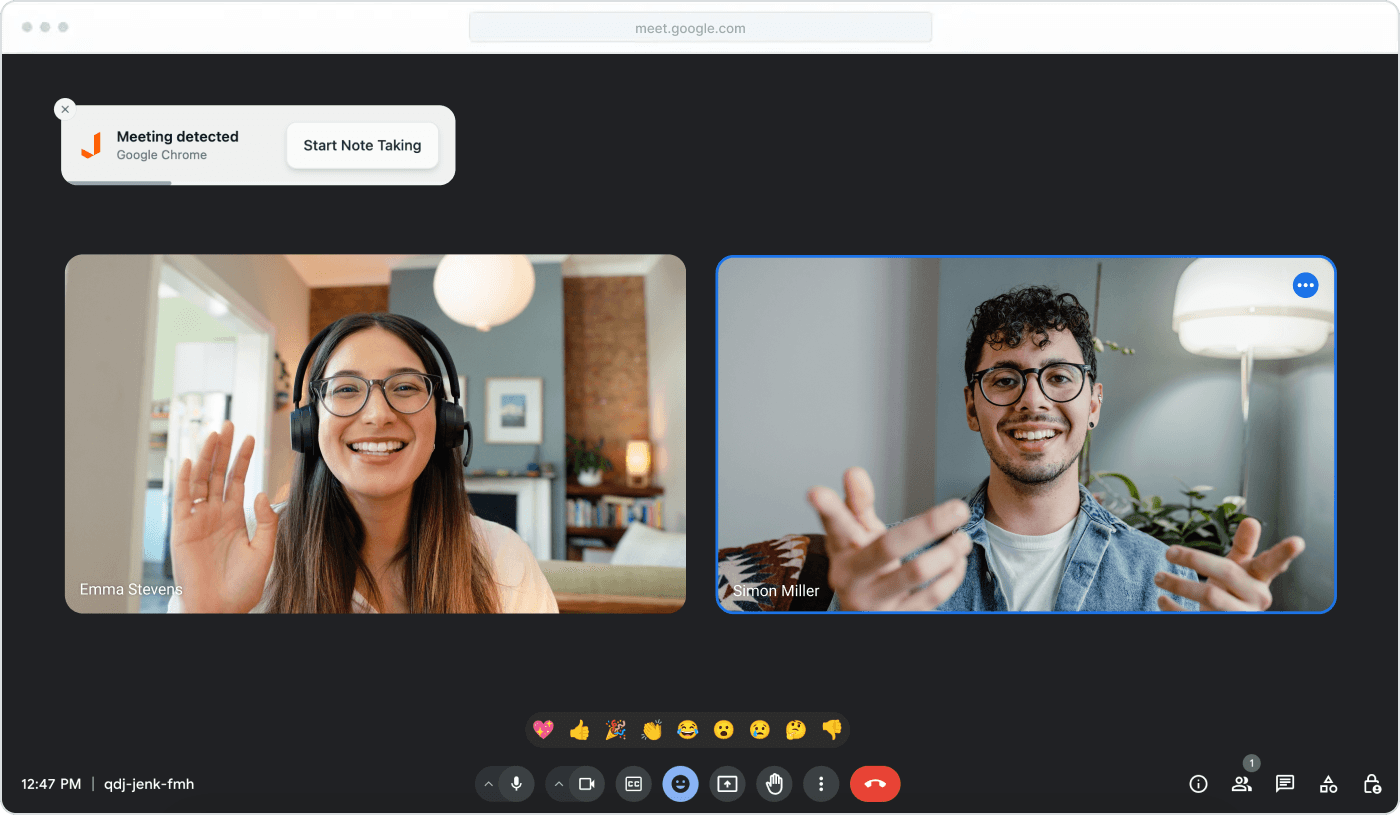
Desktop app captures any meeting in the background — Zoom, Teams, Meet — without bots. Mobile app captures in-person meetings, client visits, and phone calls. No setup, no disruption.
Capture every conversation, wherever it happens
Mobile app for in-person meetings
Capture meetings on the go with our mobile app. Perfect for in-person meetings, coffee catch-ups, or interviews.
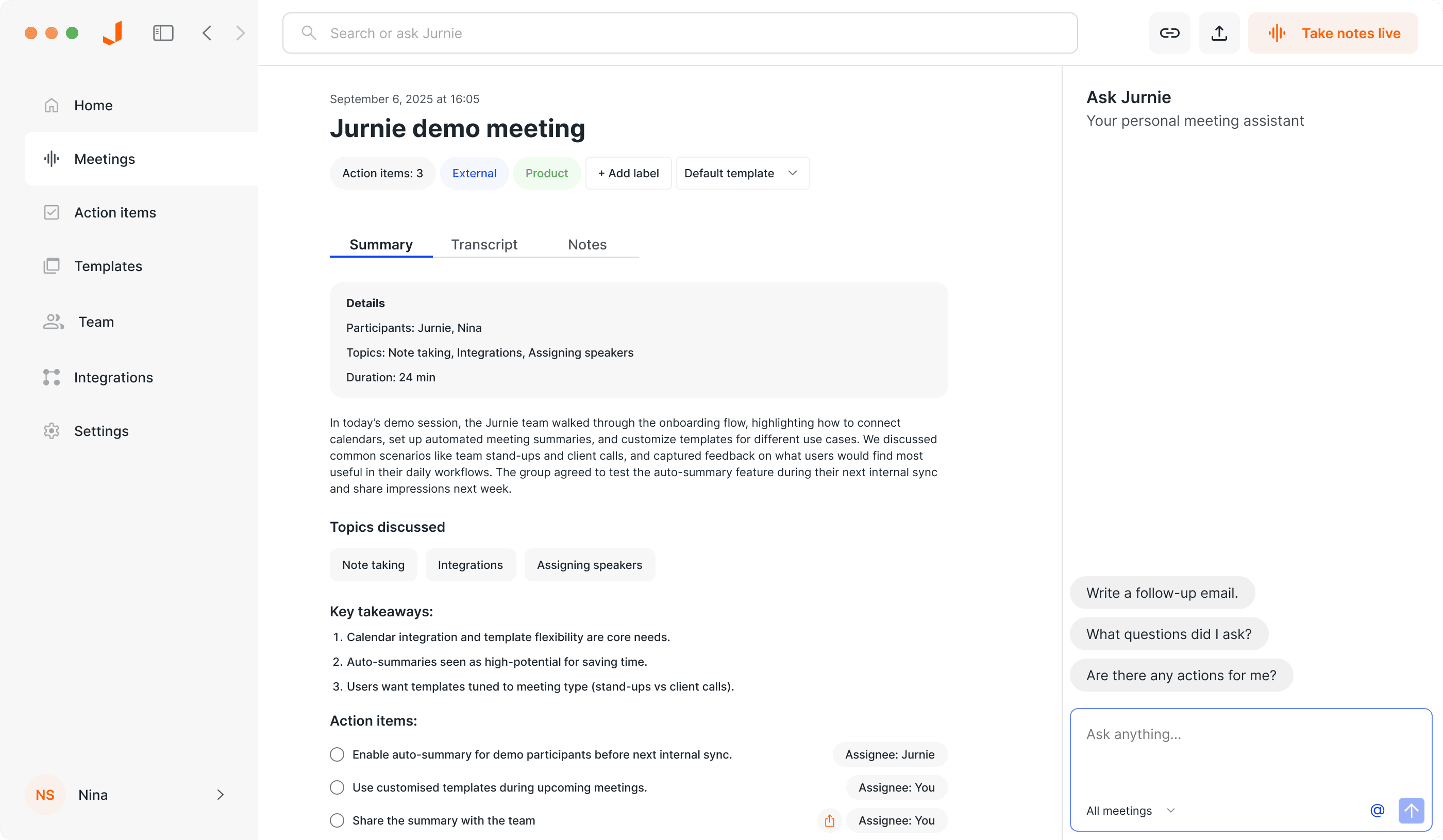
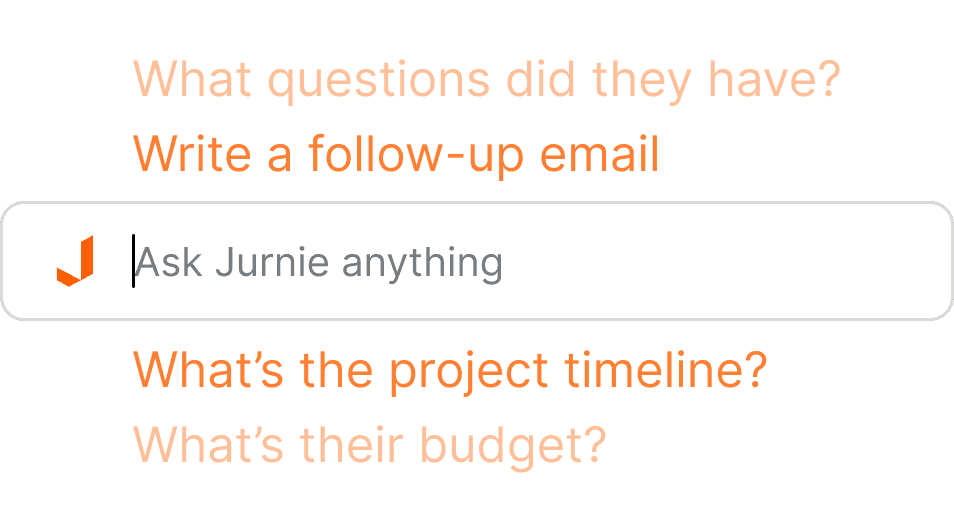
Ask Jurnie about your meetings
Ask questions across all your conversations. 'What did we discuss with this candidate last month?' 'What commitments did we make to this client?' Jurnie remembers everything.
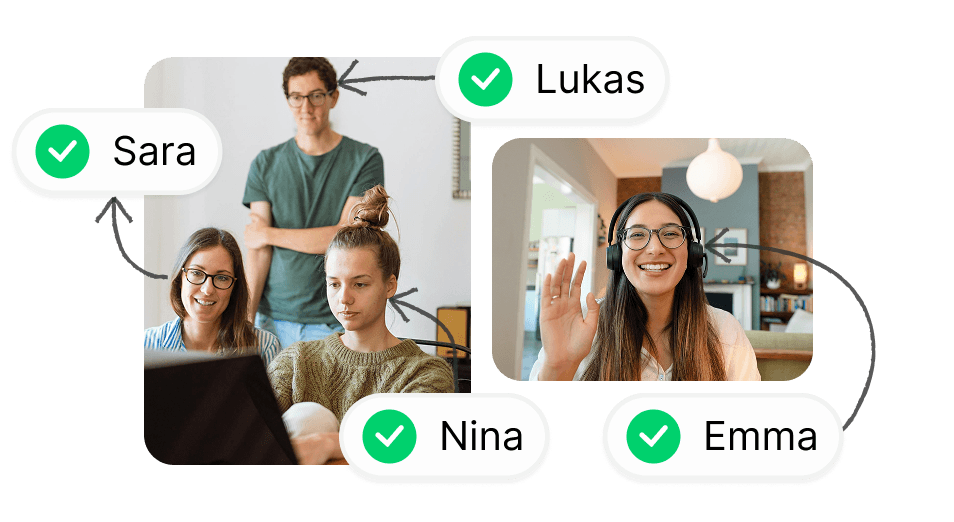
Automatic speaker identification
Each speaker is automatically identified by name. No matter if they're joining the meeting individually, or together.
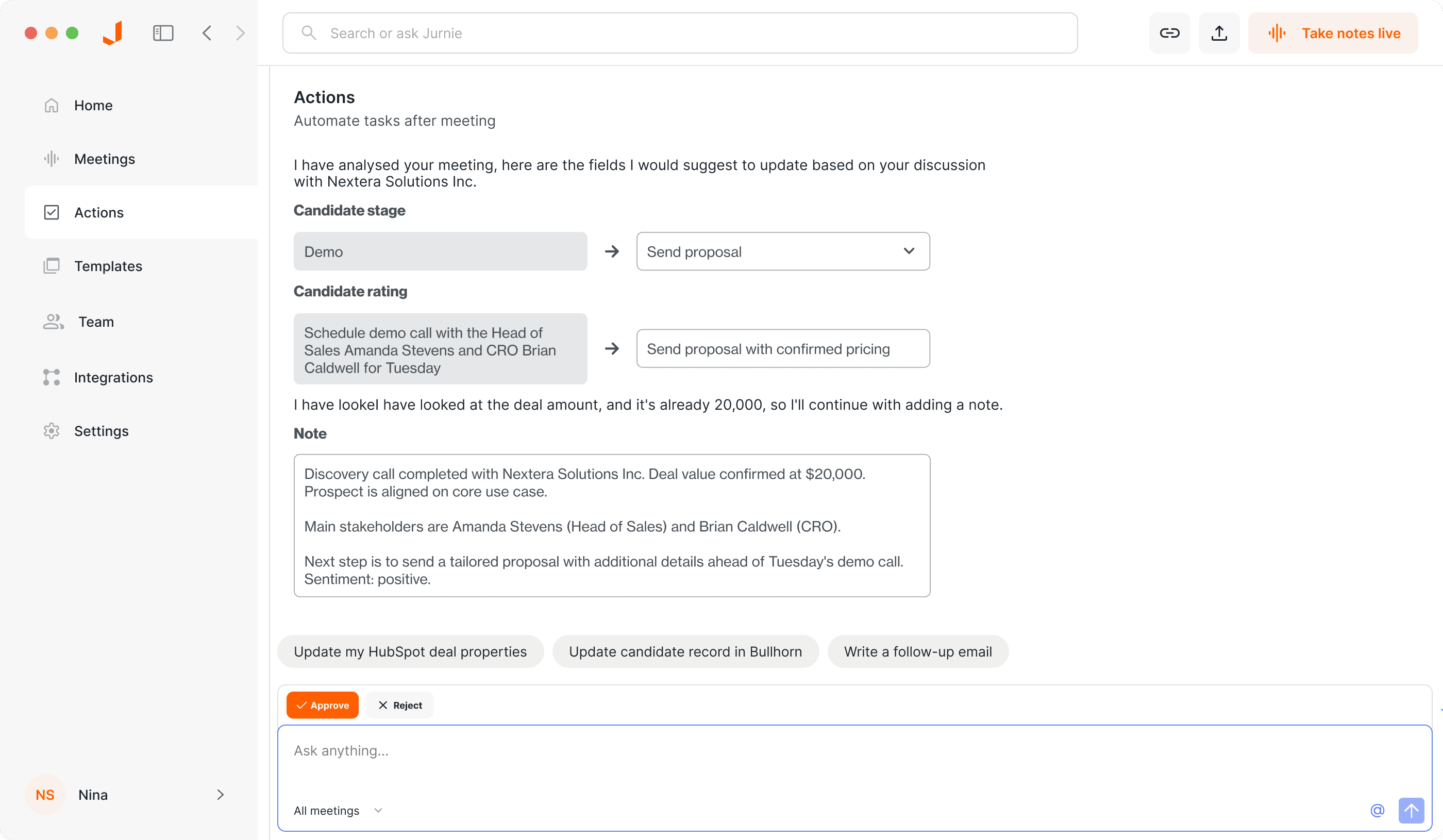
Automatic system updates after every call
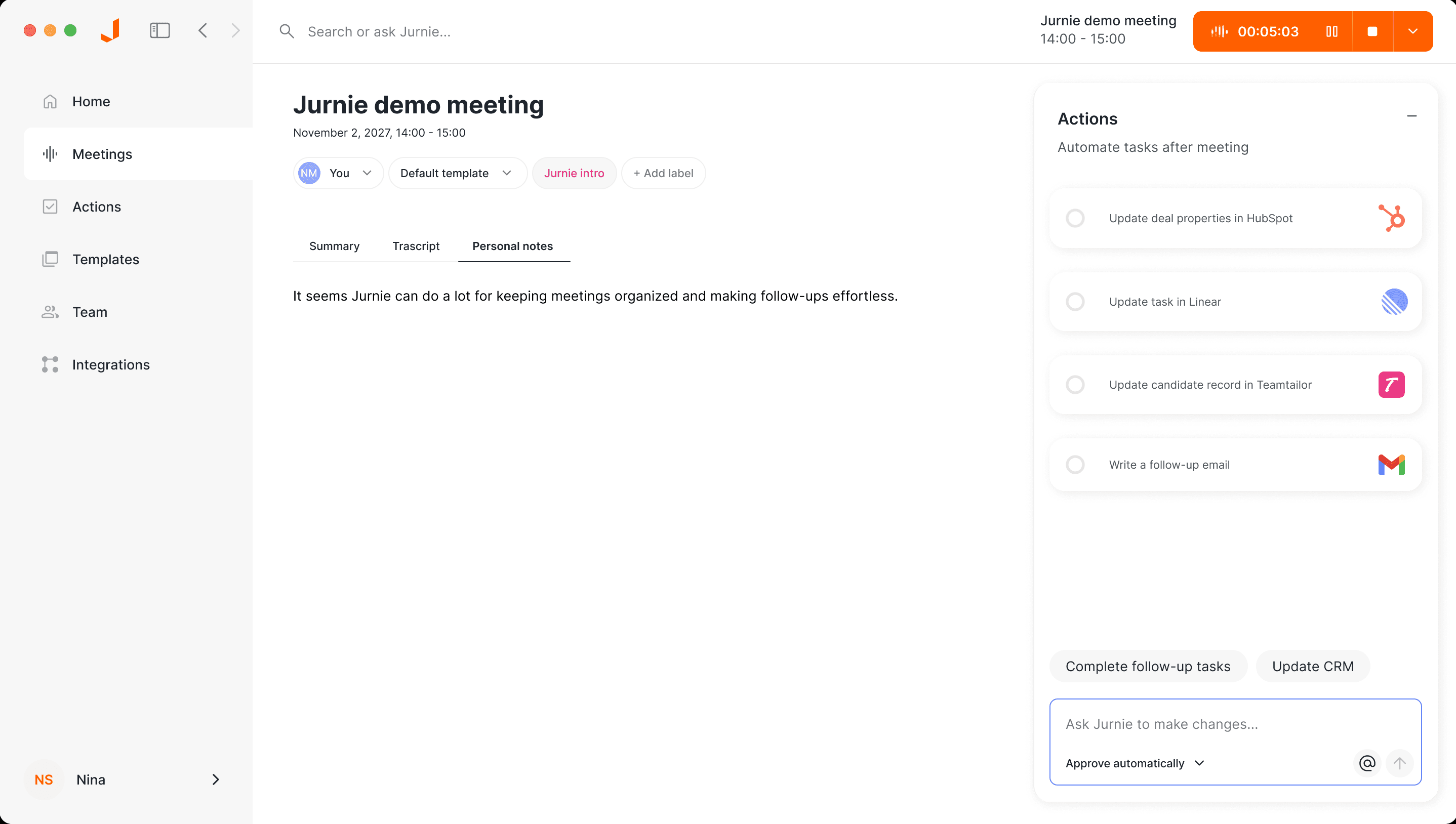
After every conversation, Jurnie suggests updates to your CRM, ATS, Google Drive, and more. Review, edit, and approve with one click — or let it run automatically.





Stop typing up what you already said.
Join teams who use Jurnie to capture every conversation and turn it into action — automatically.
Start Free TrialBuilt for your organization's needs
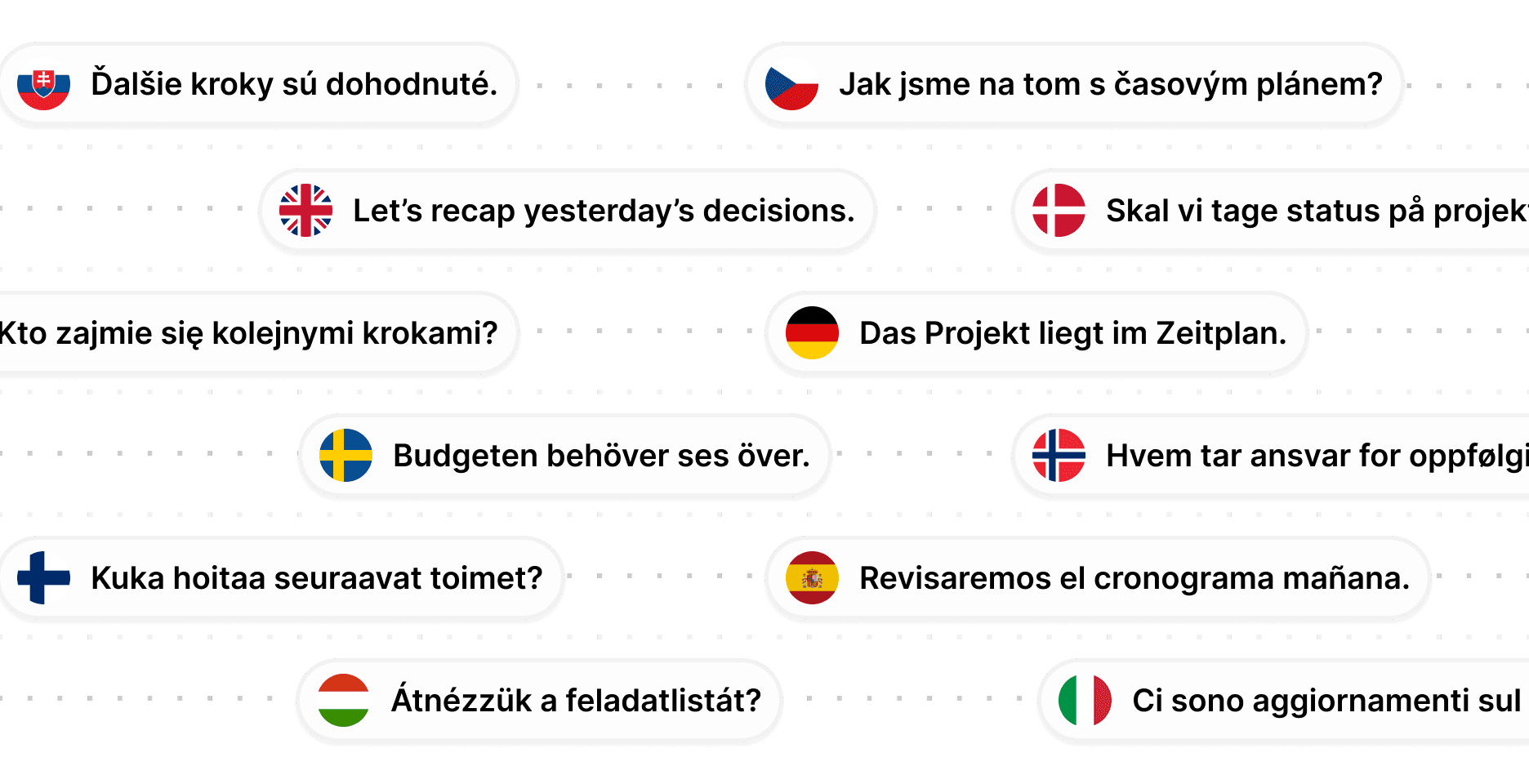
Jurnie understands 100+ languages
State-of-the-art transcription accurately identifies technical terms and accents in your multilingual meetings.
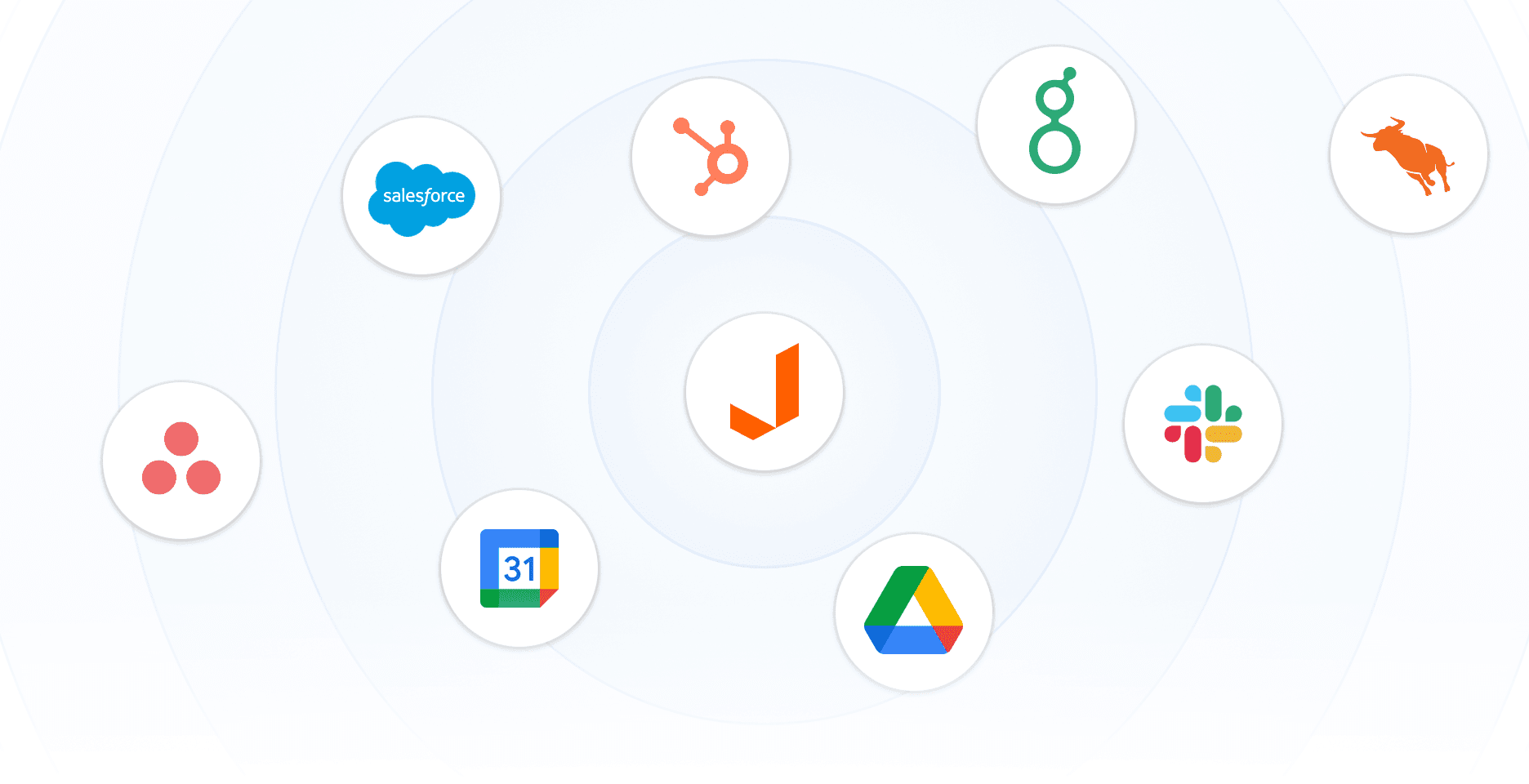
Your systems, always up to date
After every conversation, Jurnie suggests structured updates to your CRM, ATS, Google Drive, SharePoint, and email. Review and approve with one click. Works with any type of field — text, dropdowns, numbers, dates.
EU hosted
All data is stored and processed in the EU. We comply with the GDPR standards.
Enterprise-Grade Security
Your data, protected by the highest standards
- Data Encryption
- We use enterprise-grade encryption (TLS in transit, AES-256 at rest), ensuring your conversations remain confidential and secure.
- No AI Training on Your Data
- Your meeting data is never used to train AI models. We have strict data use policies and require our partners to adhere to the same standards.
- GDPR Compliant
- Built from the ground up with GDPR requirements in mind. Data processing agreements and transparency included.
- Role-Based Access Control
- Permission control ensures team members only access the data they need, maintaining security across your organization.
Trusted by teams like yours
See how teams use Jurnie to capture every conversation and turn it into action.
Jurnie has transformed how we handle our sales meetings. It understands the content of our CRM system and effortlessly updates deals field by field after every sales call.
Barney VajdaKnowledge Gate Group
Jurnie keeps things simple and allows us to focus on the meeting instead of taking notes. The custom templates make our summaries exactly how we want them at Krinova, and save us a ton of time.
Massimiliano PattaraKrinova
What I love most about Jurnie is that it works seamlessly without disrupting our meetings. Jurnie takes notes in the background and we can focus on the conversation.
Amanda Wienberg-HansenSecond Foundation
Simple pricing, for every team
Choose the plan that fits your needs. Start with a free trial and upgrade as your team grows.
Capture
For individuals and small teams
- Meeting capture and transcription
- AI summaries and action items
- Multi-modal: desktop, mobile, meeting bot
- Custom templates
- Ask Jurnie AI chat
Workflow
For teams that want automation
- Everything in Capture
- Suggestion and review interface
- CRM, ATS, and system integrations
- One-click approval or full automation
- Team collaboration and access control
- Priority support
14-day free trial with full access — no credit card required.
Pricing scales with your team. Book a call to discuss what works for your organisation.
Frequently asked questions
Have questions about Jurnie? Find answers to the most common questions below.
Which meeting platforms does Jurnie support?
Jurnie works with all major meeting platforms including Zoom, Microsoft Teams, Google Meet, Slack, WebEx, and many more. No special setup or bot invitations required.
How does Jurnie work without meeting bots?
Jurnie works with advanced audio processing technology, eliminating the need to invite bots to your meetings. This approach is more private and less disruptive, though Jurnie also supports traditional meeting bots if your organization requires it.
What systems does Jurnie integrate with?
Jurnie integrates with CRM systems (HubSpot, Salesforce), applicant tracking systems (Teamtailor, Bullhorn, Greenhouse), Google Drive, SharePoint, email, and more. After every conversation, Jurnie suggests structured updates to your connected systems — you review and approve with one click.
Is my meeting data secure and private?
Absolutely. We use enterprise-grade encryption, are GDPR compliant, and follow a privacy-first approach.
Can I customize summary templates?
Yes! Jurnie offers fully customizable summary templates that you can tailor to your team's specific needs, meeting types, and organizational requirements.
What languages does Jurnie support?
Jurnie currently supports over 100 languages for transcription, summarization, and other AI features.
Does Jurnie use my data to train AI models?
Jurnie doesn't use your data to train AI models. We have strict data use policies and require all our processing partners to adhere to the same standards.
How is Jurnie different from a meeting notetaker?
Notetakers give you a transcript and a summary. Jurnie does that too — but then it goes further. Jurnie remembers information from all your meetings, so it builds memory over time. After every conversation, it generates structured suggestions for system updates, follow-ups, and tasks. You review and approve them with one click, or enable full automation.
What's included in the free trial?
Our free trial includes full access to all features for 14 days, with up to 20 meetings. No credit card required to start.