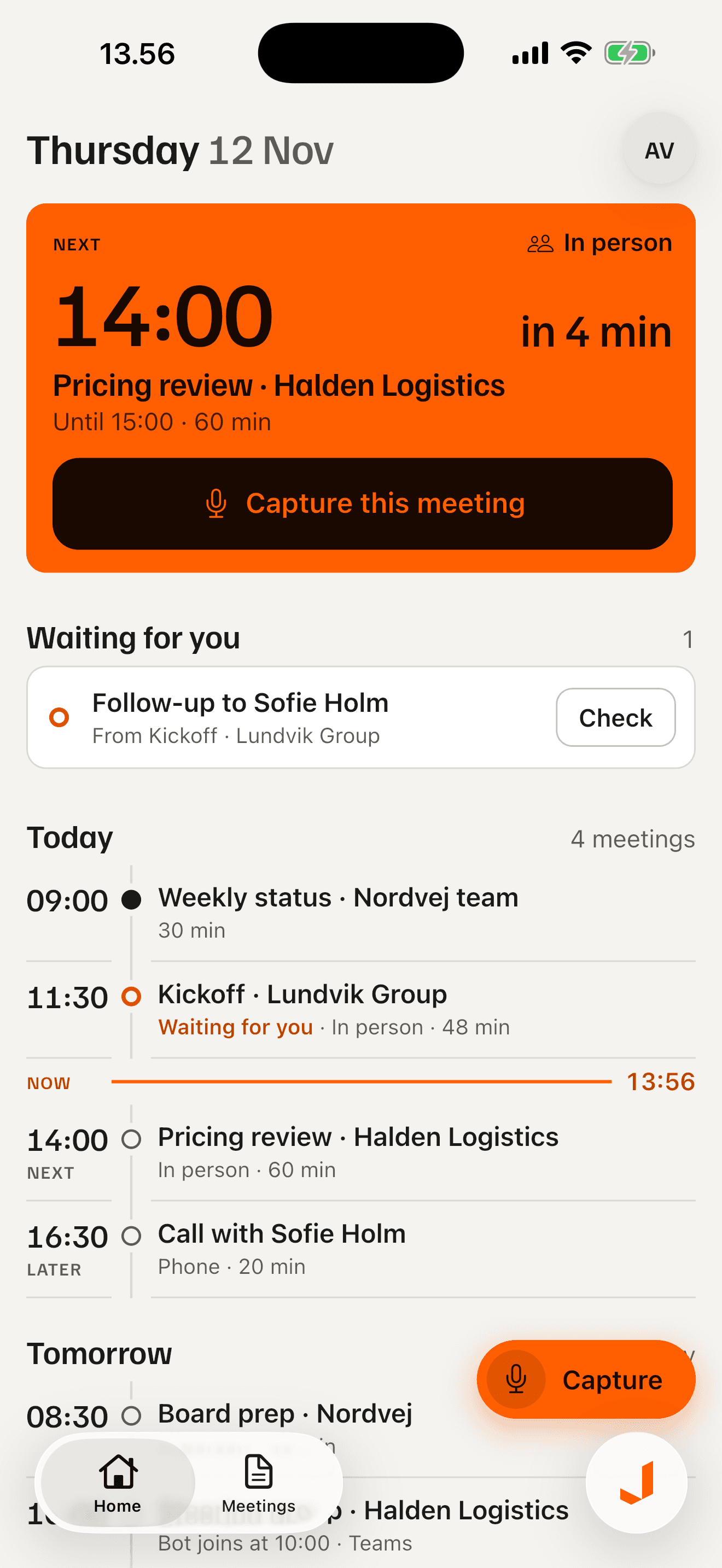
Mobile app
Put your phone on the table. Get the write-up.
For the client visit, the site walk and the workshop. Jurnie keeps capturing with the screen locked, and if there's no signal it uploads when you're back.



What the mobile app does.
In the room, on site
Capture in-person meetings
One tap to start, pause and finalize. Lock your phone or switch apps; it keeps going.
No signal
Saved on your phone
If you lose your connection, the meeting stays on your phone and uploads once you're back online.
On the go
Your meetings in your pocket
Read the summary, ask Jurnie about any meeting, or send the Jurnie bot to a call from your calendar.
One tap from Home.
Home shows your day, with the next meeting on top. Tap Capture this meeting, or the Capture button on every tab. Pause when you need to, and finalize when the meeting ends.